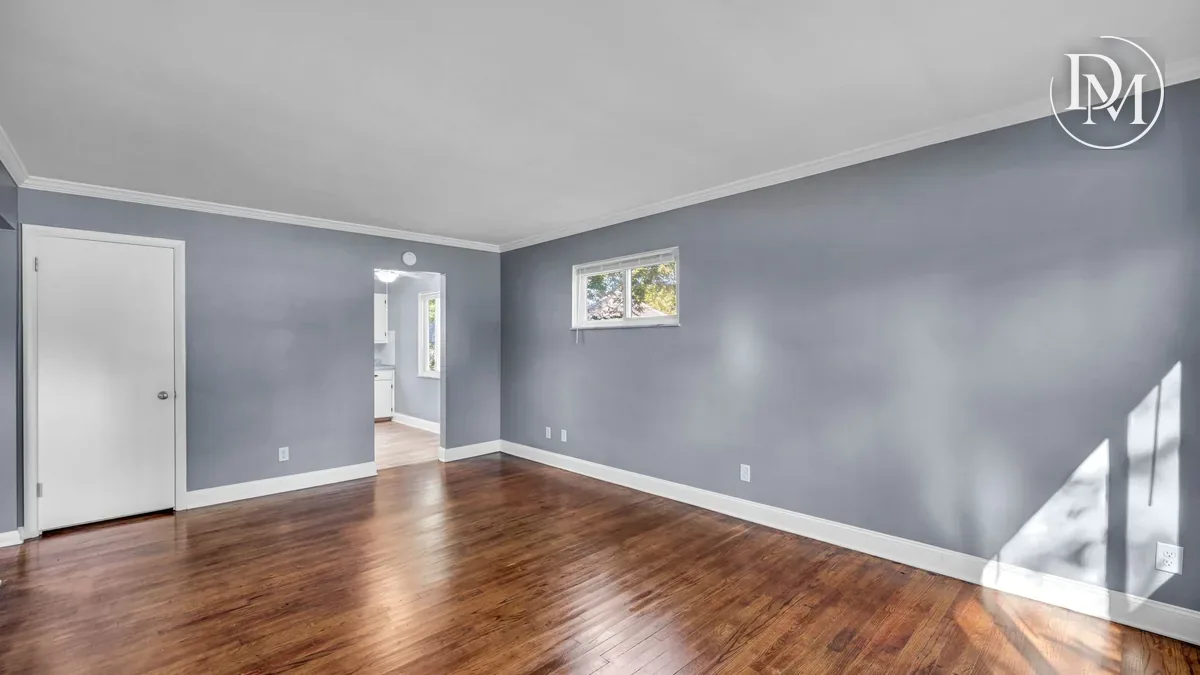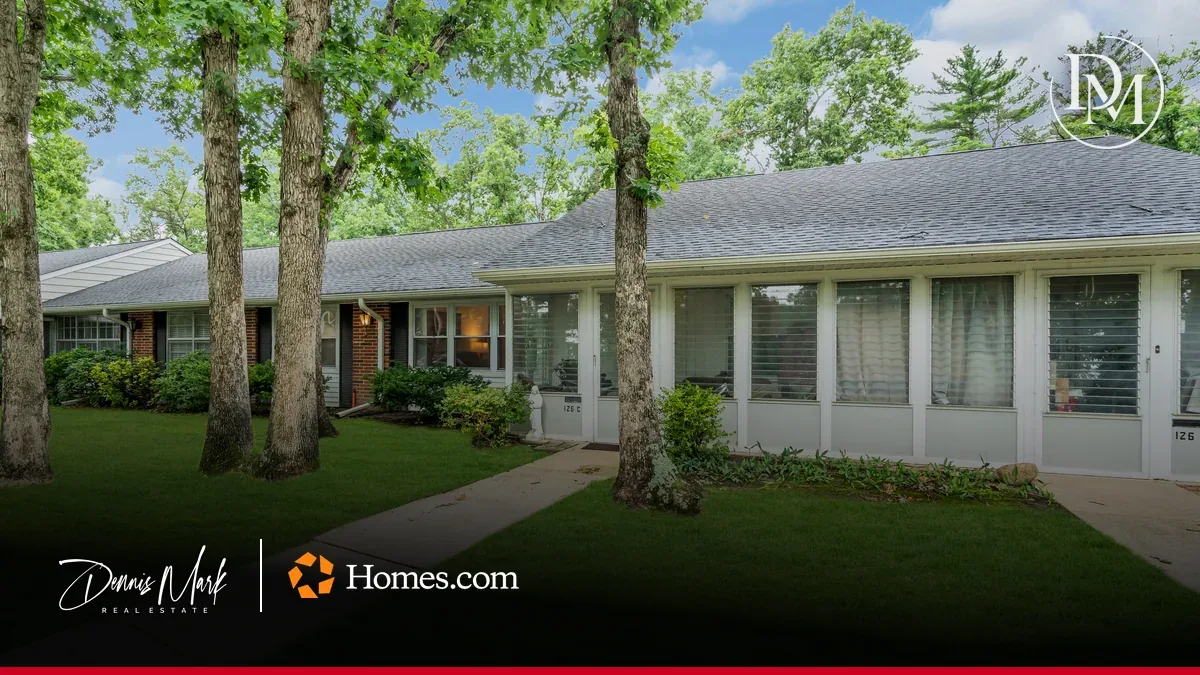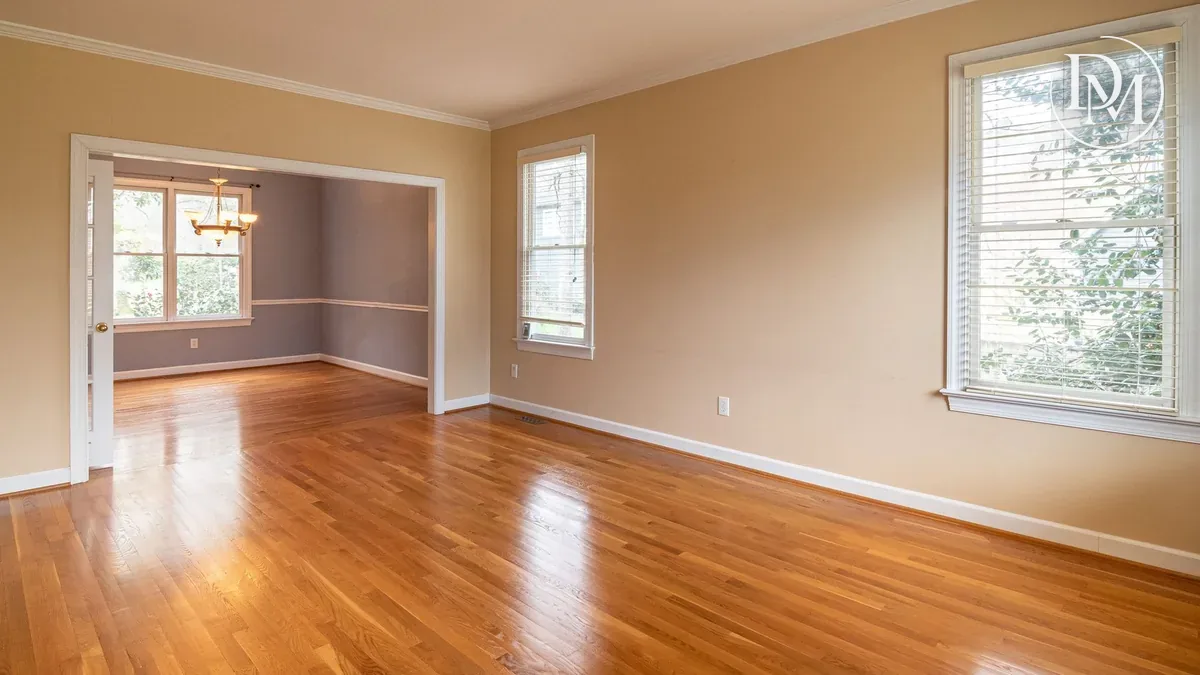
Touring a Home From Your Phone: How to Use a Matterport 3D Tour on Homes.com
Published | Posted by Dennis Mark Interdonato
- Homes.com
- Home Buying
- New Jersey
To tour a home from your phone, open the Matterport 3D tour on its Homes.com listing, tap the rings on the floor to move from spot to spot, and drag with one finger to look around. I'm Dennis Mark Interdonato, I lead The Dennis Mark Group at Keller Williams Realty Ocean Living in Point Pleasant, and I've been a Homes.com member agent since August 2026. Every eligible home I list gets a Matterport 3D tour through that membership. I've written about the tours from the seller's side. This one is for buyers: how to use a tour so you get the most out of it before you ever book a showing.
Where do you find the 3D tour on a Homes.com listing?
On Homes.com, a listing with a tour carries a "360" button beside the photos. Tap it and the tour opens. Where a tour was shot, the listing page also has floor plans, so you can go back and forth between walking the house and reading the layout.
Matterport says its real estate tours are "made for exploration ... from any device." Your phone works. So does a laptop or a tablet. I'd start on the phone to get a feel for the house, then open it on a bigger screen when you want to study a room.
The same tour can also sit on the home's page on my website. When I list a home, a buyer who finds it here gets the same walk-through they'd get on Homes.com.
How do you move through a Matterport tour?
Matterport's own help screen inside the tour covers three moves. Here's what it says and how it works on a touch screen, where your finger does what a mouse click does.
- Move around. Matterport says to "click on the rings throughout the Space to move around." The rings sit on the floor. Tap one and you glide to that spot.
- Look around. Drag across the screen to turn. You can look up at a ceiling, down at a floor, or all the way behind you.
- Zoom in. On a phone, pinch or spread two fingers to get closer to a detail, like a fireplace or a window.
On a laptop, the arrow keys work too. Matterport lists keyboard shortcuts: 1 for the inside view, 2 for the dollhouse, 3 for the floor plan, R to go up a floor and F to go down one.
What are the dollhouse and floor plan views?
These two views are where a tour does something photos can't. Matterport describes the dollhouse view as "a top-down view of the entire Space in 3D." It's the whole house with the roof lifted off. You can spin it and see how every room connects.
The floor plan view flattens that into a top-down drawing. Matterport says you move between the two by tilting the view up and down. On a phone, Matterport's controls for both views are:
- One finger, touch and drag: rotate the model.
- Two fingers, touch and drag: slide the model across the screen.
- Pinch or spread two fingers: zoom.
For a two-story house, there's a floor selector that switches between floors. Look for the stacked-layers icon.
I spent years building and renovating New Jersey homes before I sold them, starting in 2003, and the dollhouse is the view I'd send any buyer to first. It answers the layout questions in seconds. Where's the kitchen next to the family room? How far is the primary bedroom from the stairs? Is there a room over the garage?
What else can a tour show you?
Matterport's help screen lists more tools, and what you see depends on how the tour was set up. Here are the ones worth knowing:
- Highlight Reel. A row of thumbnail images along the bottom. Tap one to jump straight to that spot.
- Tags. Small markers inside some tours that give information about a feature in the space.
- Guided Tour. A play button that walks you through the house in order, with pause and back.
- 360° Views. Outdoor scenes reached from the Highlight Reel.
- Full screen. Worth it on a phone. Turn the phone sideways while you're at it.
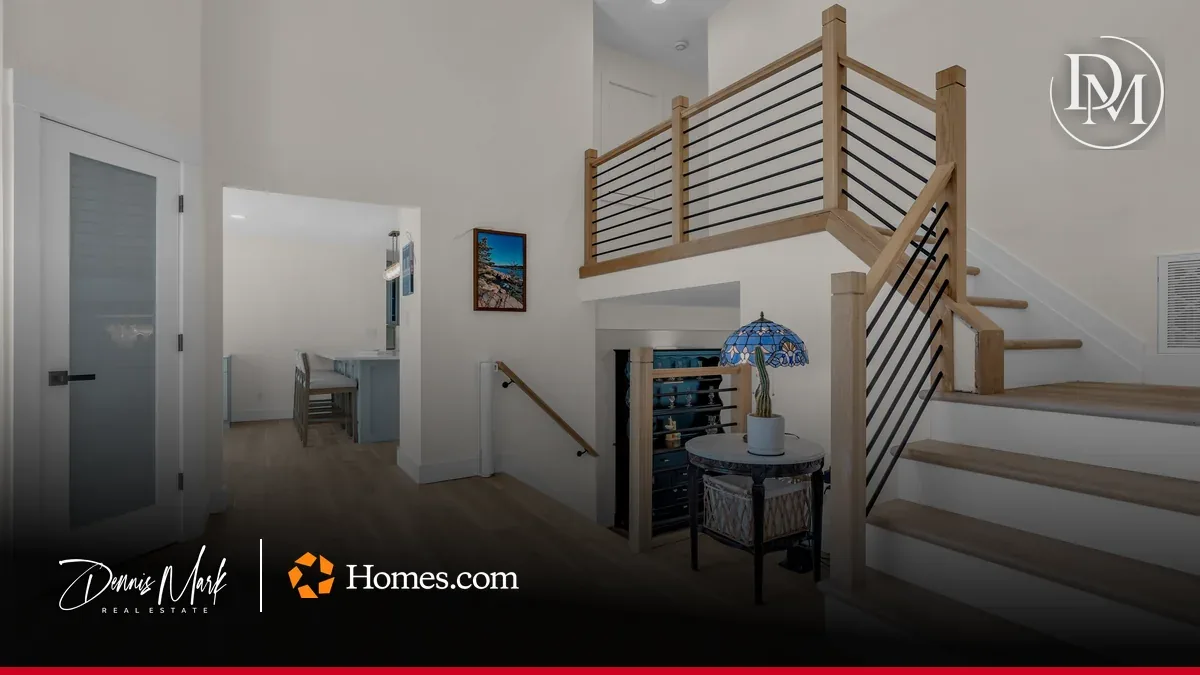
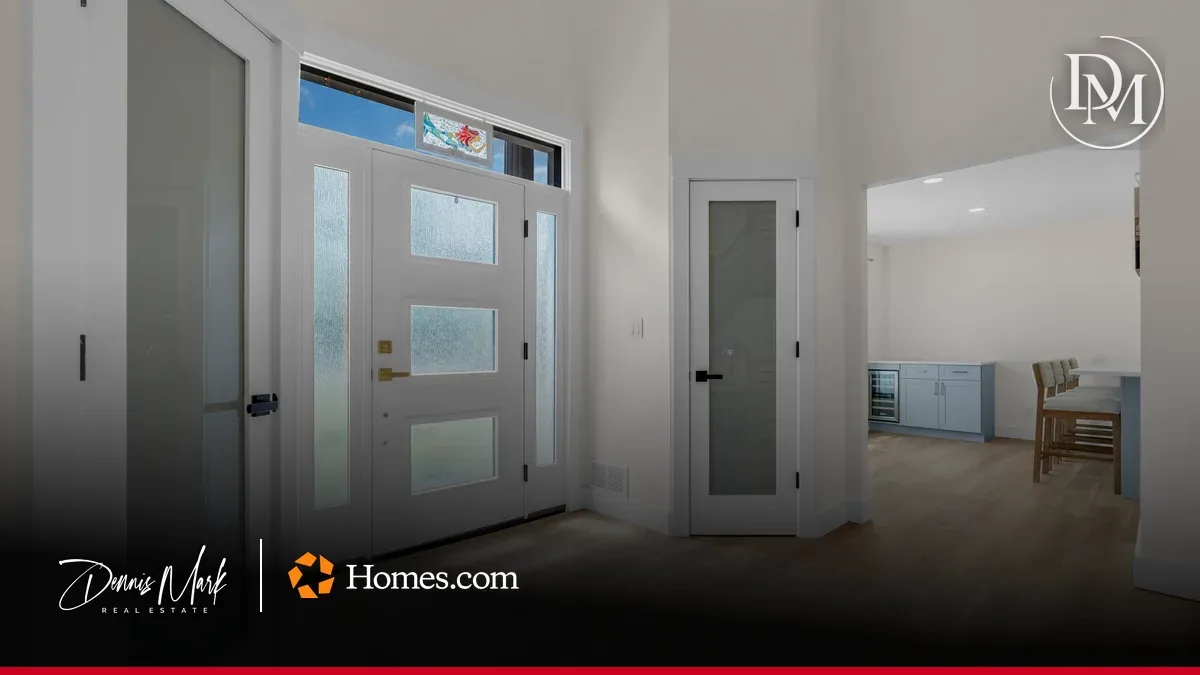
On my listing at 647 Colts Neck Rd, a split-level in the Orchard Hills section of Freehold Township, the tour in the Homes.com app opens on a drone view. You see the house and the lot from above before you step inside. My listing agent card stays on the screen the whole time, so if you have a question halfway through the kitchen, the Contact button is right there and the message comes to me.
How do you get the most out of a tour before a showing?
Here's how I'd use one:
- Start in the dollhouse. Spin it once all the way around. You'll know the shape of the house in under a minute.
- Walk the path you'd walk every day. Front door, kitchen, living space, bedrooms. Then the garage door to the kitchen, if there is one.
- Stop in the spots photos skip. Turn around in every room and look at the corner behind the door, the hallway and the stairs.
- Check the floor plan for size. If you own a big sectional or a long dining table, look at the room on the plan before you fall for it.
- Write your questions down. Send them through the listing agent card, or bring them to the showing.
Buyers are using these tours. When I joined Homes.com in August 2026, my listings had 0 Matterport views there. As of October 27, 2026, on my Homes.com dashboard, they had 50 Matterport views adding up to 1 hour and 9 minutes inside the tours. That's more than a minute per view, which tells me buyers who open a tour stay and look.
Does a 3D tour replace seeing the home in person?
No. A tour can't tell you how a street sounds at rush hour, how the light hits the kitchen at 5 p.m. or how the floors feel underfoot. You still need to stand in the house.
What a tour does is make that visit count. You show up already knowing the layout, with real questions. And if the tour shows you the layout doesn't work for you, you've saved yourself the drive. My article on virtual tours vs. in-person showings goes deeper on how the two fit together.
Where should you go next?
My Homes.com partner page shows how the 3D tours, the ads and the listing agent card fit together on a home I list. If you want the seller's side of the same tour, read why every eligible listing I take gets a Matterport tour. For the town around 647 Colts Neck Rd, my Freehold Township page covers it.
I help buyers and sellers throughout New Jersey, with Monmouth and Ocean County as home base. Open a tour tonight, start in the dollhouse, and walk the house like you already live there.