How a Photo Shoot, Drone Shots and a 3D Tour Work Together on Homes.com
Published | Posted by Dennis Mark Interdonato
- Homes.com
- Home Selling
- Real Estate Photography
On Homes.com, the photos, the drone shots and the Matterport 3D tour each answer a different question a buyer has, and together they let a buyer see a home from the street, from above and from the inside before the first showing. I'm Dennis Mark Interdonato, I lead The Dennis Mark Group at Keller Williams Realty Ocean Living, and I've been a Homes.com member agent since August 2026. People ask me which piece of the media matters most. My answer is that they work as a set. Here's how each one does its job on a listing I take, and how they fit together.
What does each piece of media show a buyer?
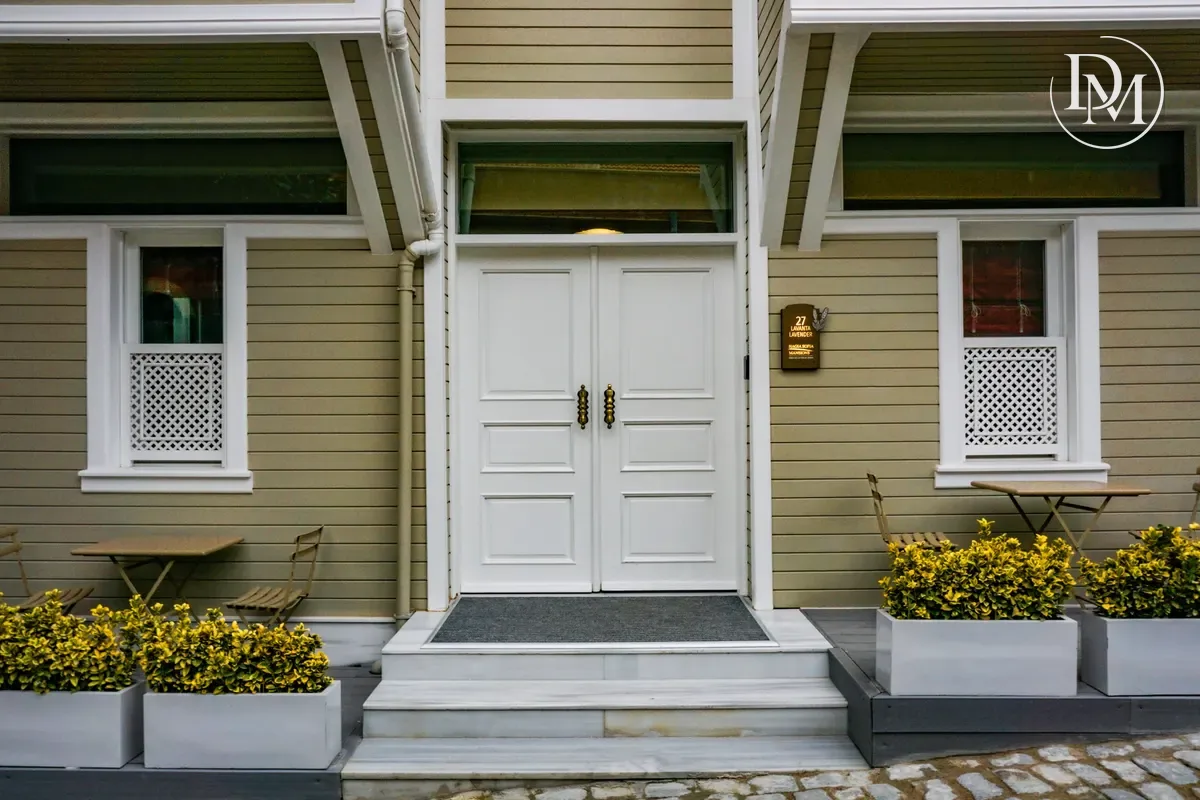
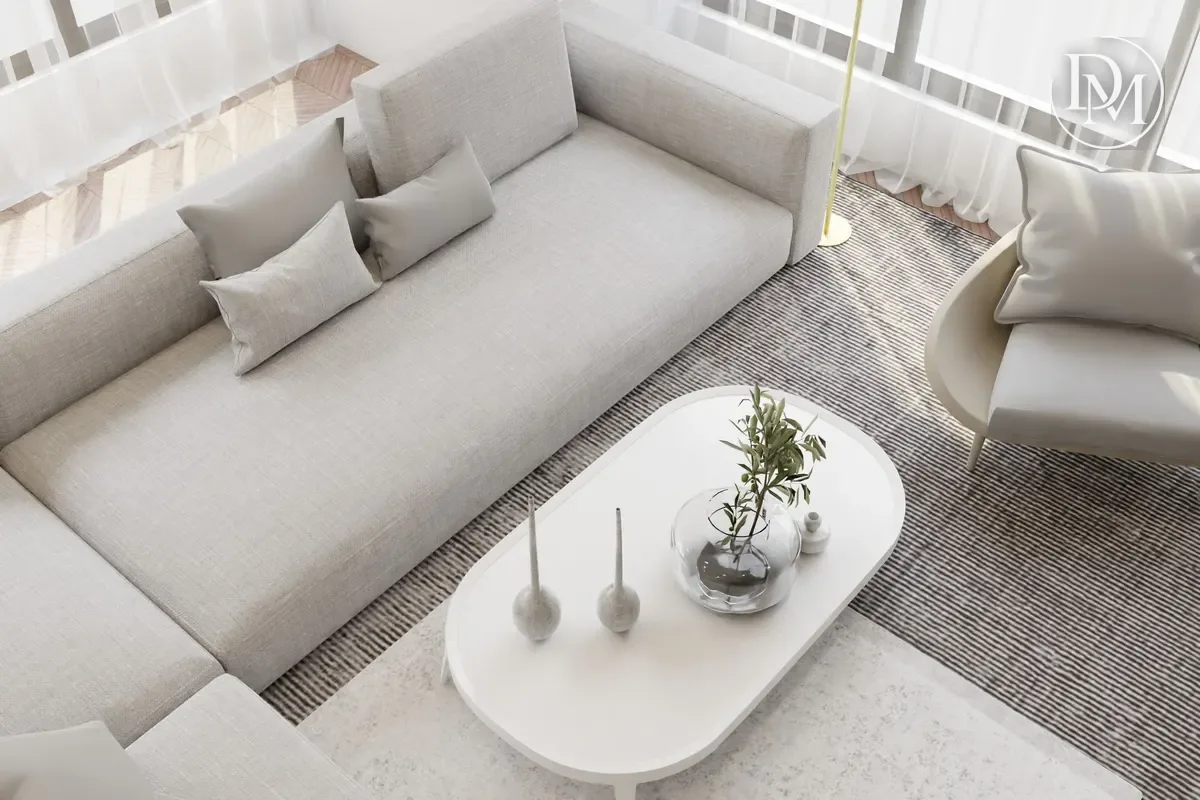
The photos sell the rooms. They show the kitchen, the light, the finishes and the flow from one space to the next. A buyer scrolls them first, and they decide whether the buyer keeps going.
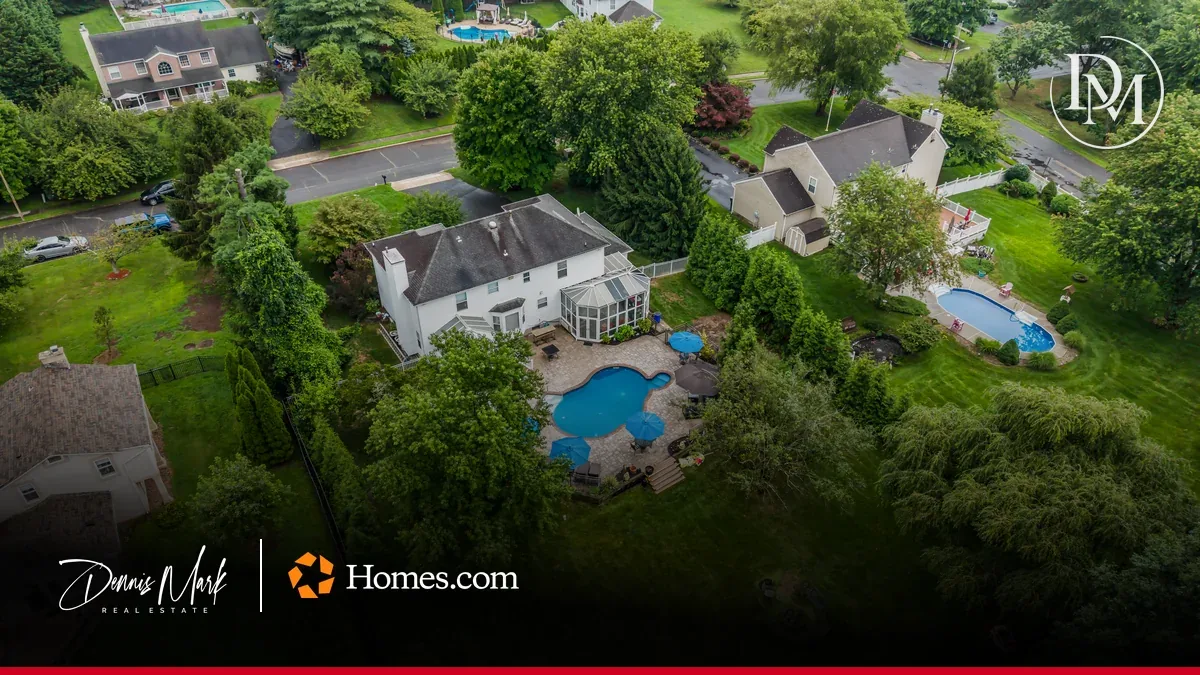
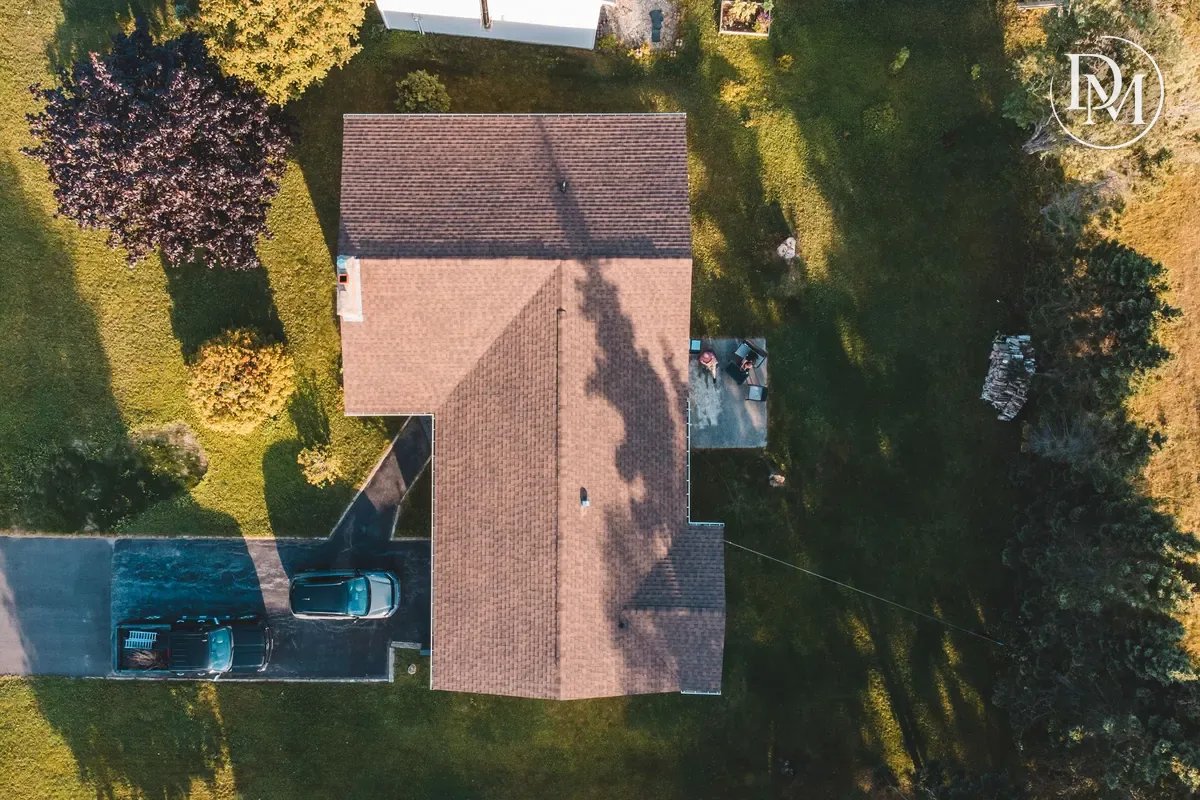
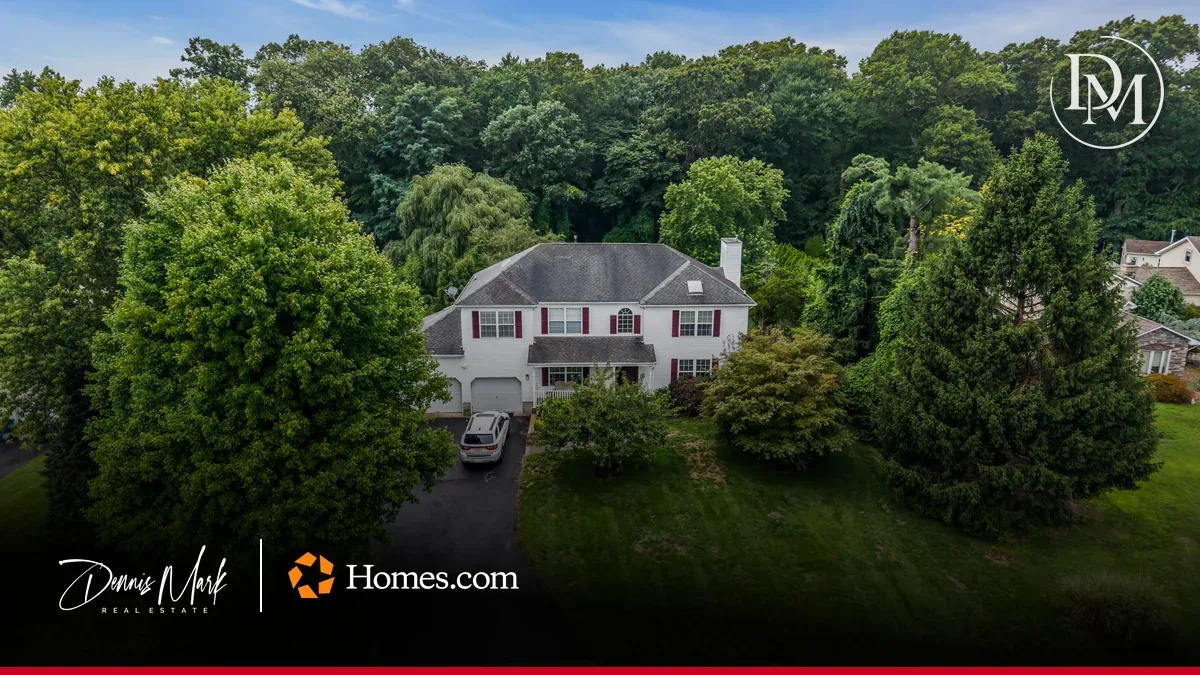
The drone shots show what the ground can't. You see the whole lot, where the house sits on it, the driveway, the yard and what's around the property. A photo from the curb can't tell you how far the backyard runs.
The Matterport 3D tour lets a buyer walk the home. Matterport describes its real estate tours as "made for exploration ... from any device." A buyer moves from room to room at their own pace, on a phone or a laptop, and sees how the rooms connect.
Each one fills a gap the others leave. Photos can make a room look great but can't show you the hallway between rooms. A tour shows the layout but isn't the best way to show off a view. A drone shows the setting but not the kitchen.
How do they come together on one listing?
Take 647 Colts Neck Rd in the Orchard Hills section of Freehold Township, an active listing of mine. It's a four-bedroom split level on a lot of 29,621 square feet. A lot that size is a big part of the story, and it's hard to see from the front lawn.
In the Homes.com app, the listing has 44 photos, a Matterport 3D tour and floor plans. The 3D tour opens on a drone view. A buyer starts above the property, sees the house on its lot, and then steps inside. Under every screen sits my listing agent card with my photo, "Listing Agent" and Keller Williams Realty Ocean Living.
That order matters. The buyer gets the setting first, then the rooms, then the layout. By the time they ask for a showing, they already know the home.
What do the numbers show so far?
As of October 27, 2026, on my Homes.com dashboard, 647 Colts Neck Rd had 64,109 total views. The Matterport 3D tour had 17 views, and the floor plans had 32.
Across all my listings, the dashboard counted 50 Matterport views adding up to 1 hour and 9 minutes as of the same date. When I joined Homes.com in August 2026, my Matterport views on Homes.com stood at 0.
Those tour numbers are much smaller than the total views, and that's how it should be. Photos are what most buyers look at. The tour is for the buyer who's serious enough to spend real time inside the home from their couch. That's the buyer I want looking at yours.
I date every number because they change every day. The public listing page counts views a little differently than my dashboard does, so I always quote the dashboard. When we sit down, I'll show you the current numbers on the dashboard itself.
Why not use one or two of them instead of all three?
Buyers look at homes in different ways. Some decide from the photos. Some want to know the lot before anything else. Some won't book a showing until they've walked the layout. If the listing only answers one of those questions, the other buyers move on to the next home.
The cost question is smaller than most sellers expect. A Matterport 3D tour is included with my Homes.com membership for every eligible listing. Homes.com puts that at an "approximate $450 value per property." I wrote about that in The Matterport 3D Tour on Homes.com: Why Every Eligible Listing I Take Gets One.
Drone work depends on the property. A home on a big lot, near the water or close to a downtown gains a lot from an aerial view. A home whose best features are all inside may not need one. I covered when it helps and the FAA rules a pilot follows in Drone Photography When Selling a Home in New Jersey.
I won't promise you a price or a timeline. Media doesn't sell a house by itself. Price, condition and how the home shows decide how it sells. The media decides how well the home shows online, and that's the part of the job I can control.
How should a home get ready for the shoot?
The camera sees everything, and the 3D tour sees it from every angle. A room that looks fine in one photo can show a cluttered corner in the tour. So we prepare every room as if the buyer will stand in the middle of it, because with a tour, they will.
That means clear counters, open blinds, and personal photos and anything with a name on it put away before the camera arrives. The small things a buyer would notice get fixed first. Outside, the yard and the driveway need the same attention, because the drone sees them from above.
The shoot happens once, and those images follow the listing everywhere it goes. On Homes.com, that means the listing page, top of search, listing alerts and display ads across the web.
Where should you go next?
My Homes.com partner page shows the full membership and how it comes together for a home I list. Some listings also get Zillow Showcase. If you're near 647 Colts Neck Rd, my Freehold Township page covers the town.
I sell homes throughout New Jersey, with Monmouth and Ocean County as home base. If you want a starting number before we plan your shoot, my home value page gives you one.
Buyers are going to see your home online long before they see it in person. I want them to see all of it.