What a Buyer Sees on a Homes.com Listing Page
Published | Posted by Dennis Mark Interdonato
- Homes.com
- Home Selling
- Home Buying
A Homes.com listing page shows a buyer the photos, a Matterport 3D tour and floor plans where one was shot, a running count of views, and a card that connects them with the listing agent. I'm Dennis Mark Interdonato, I lead The Dennis Mark Group at Keller Williams Realty Ocean Living in Point Pleasant, and I've been a Homes.com member agent since August 2026. My listings go up on Homes.com. Here's what a buyer finds when they open one of those pages, piece by piece, using my own listing at 647 Colts Neck Rd as the example.
What does a buyer see first on a Homes.com listing?
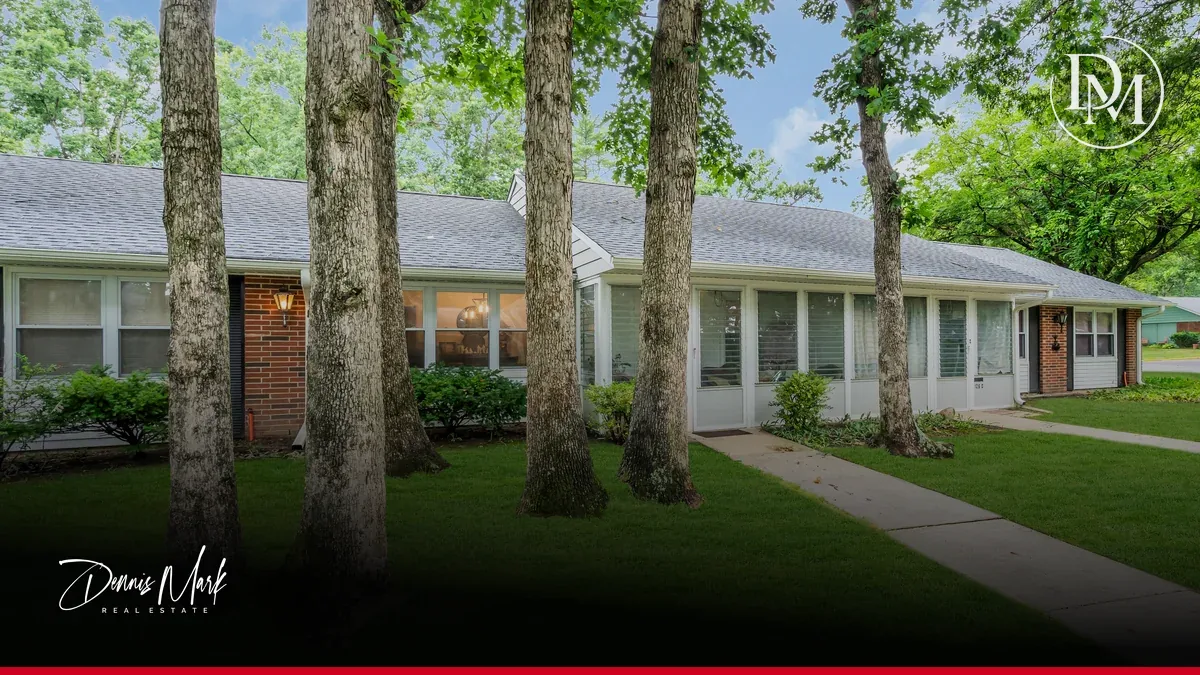
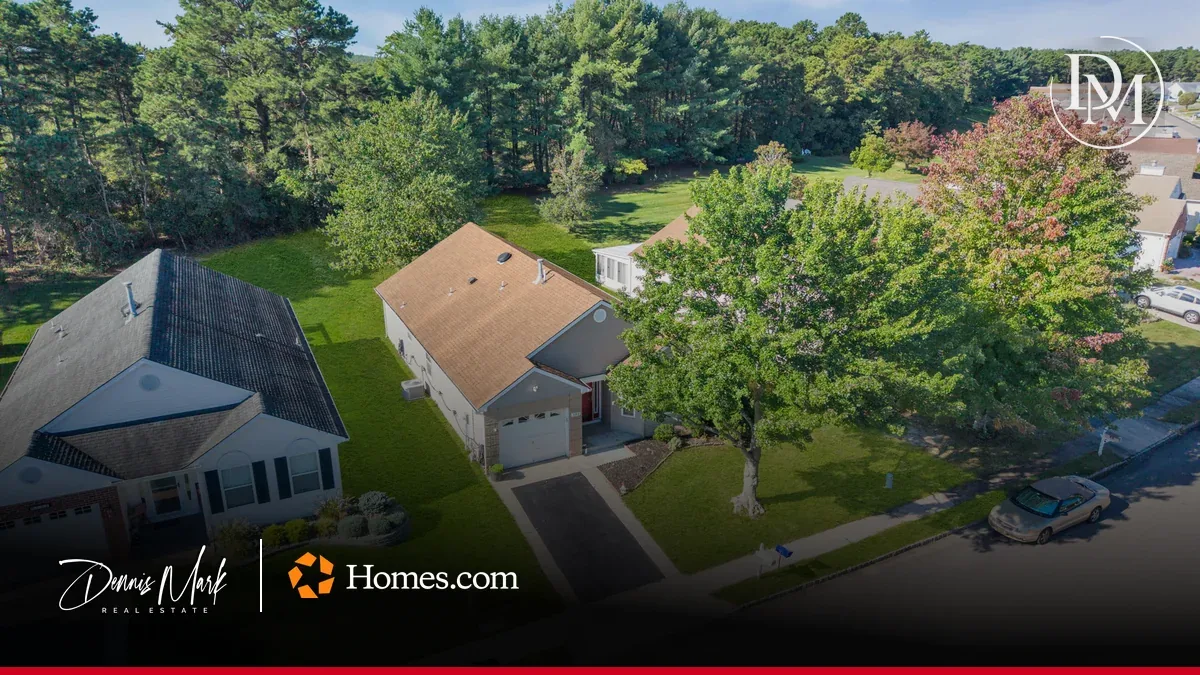
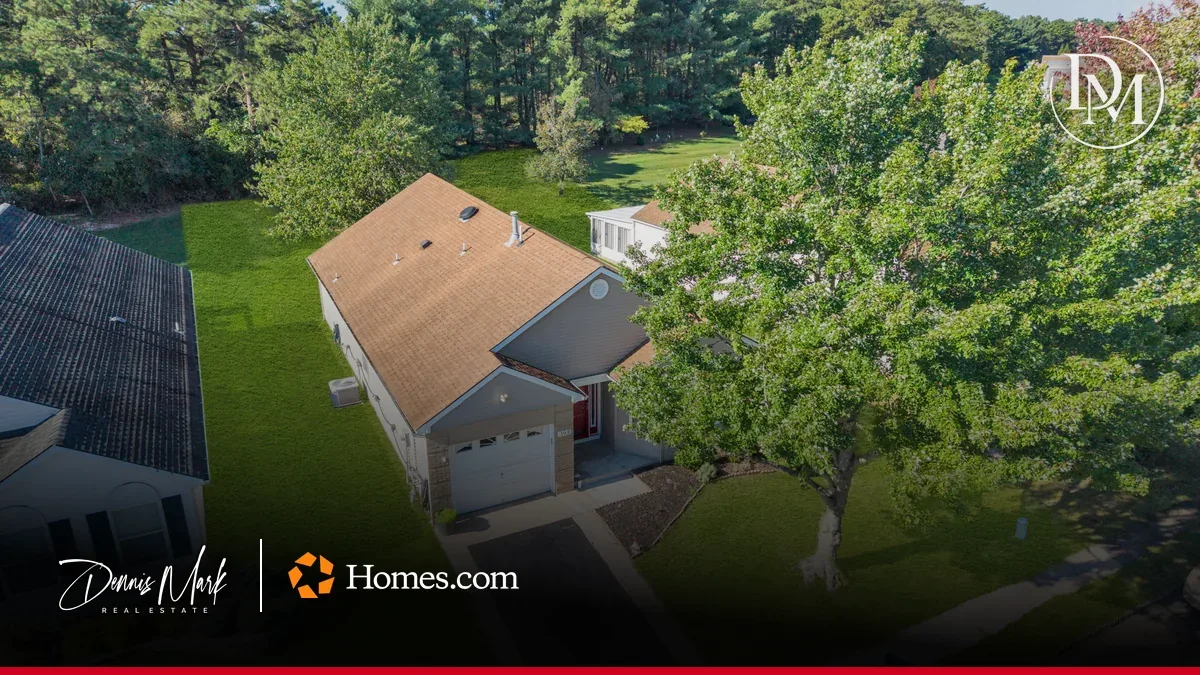
The photos. That's where every buyer starts, and it's where most of them decide whether to keep going. In the Homes.com app, 647 Colts Neck Rd has 44 photos, as of October 27, 2026.
That's why I care which photo leads. The first one has one job: get the buyer to open the second. Exteriors, the kitchen and the rooms with the best light do that work. A closet or a hallway doesn't.
The photos are also where a seller's prep shows up. A buyer can't smell a fresh coat of paint through a phone, but they can see a clear counter and a room that reads as what it is.
What is the 3D tour button on a Homes.com listing?
On listings where a tour was shot, the page carries a Matterport 3D tour, marked with a "360" button. A buyer taps it and moves through the home room by room, from their phone or their computer. Matterport describes its real estate tours as made for exploration from any device.
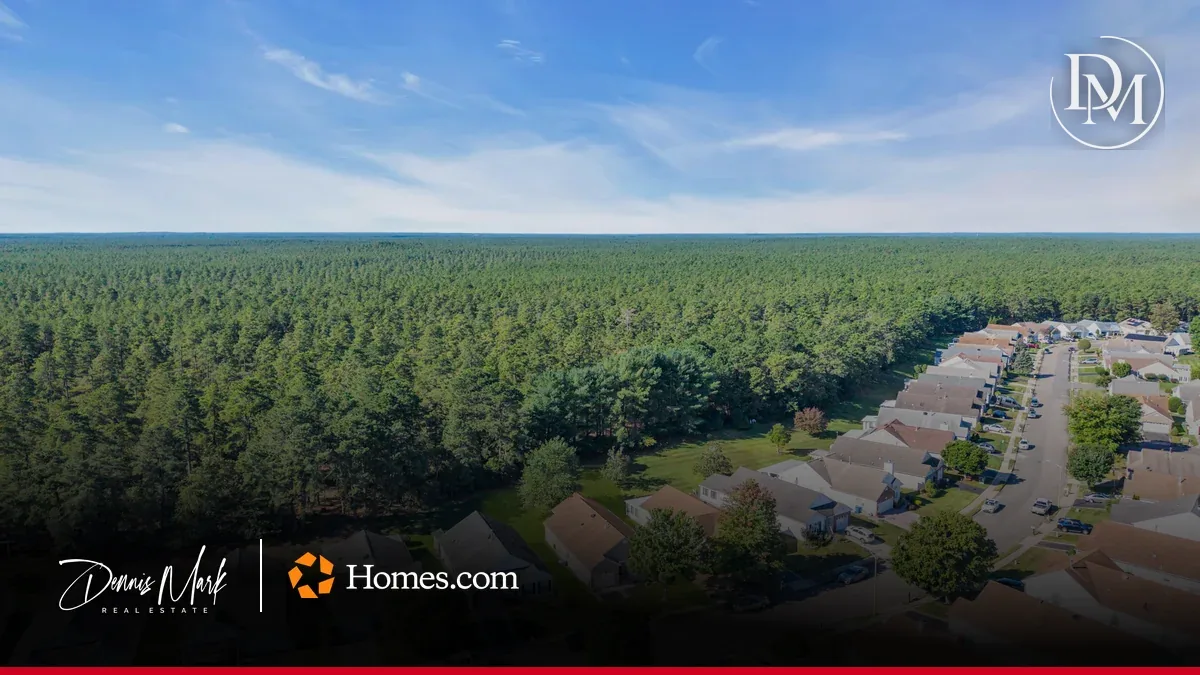
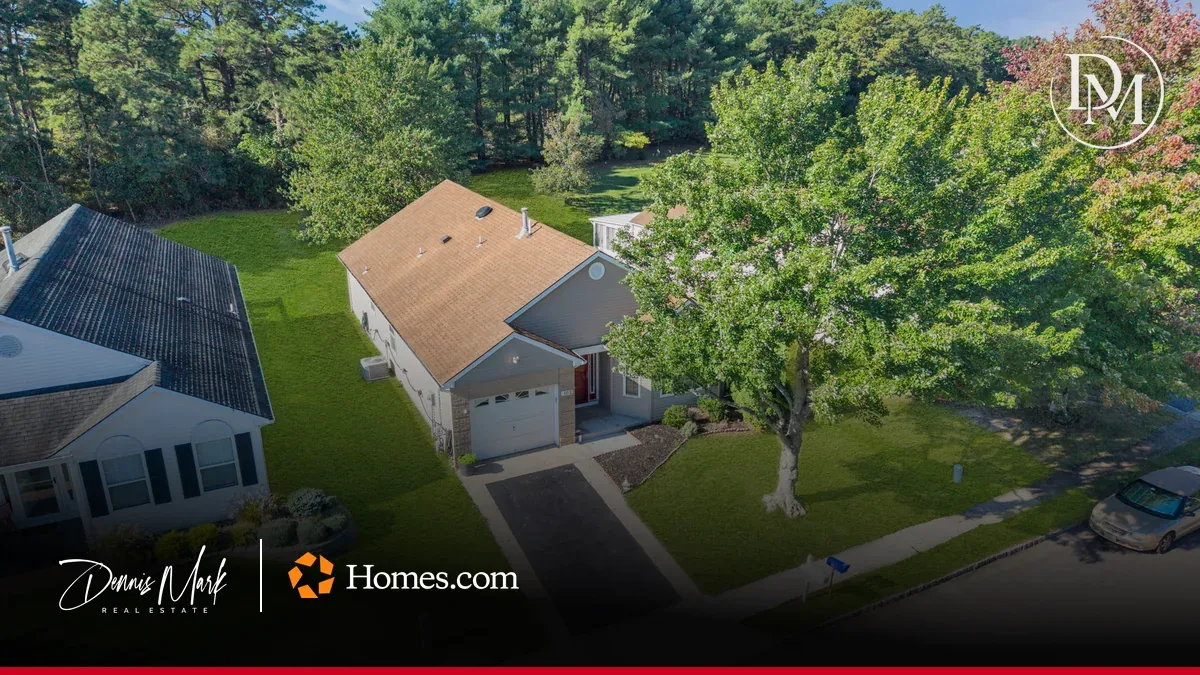
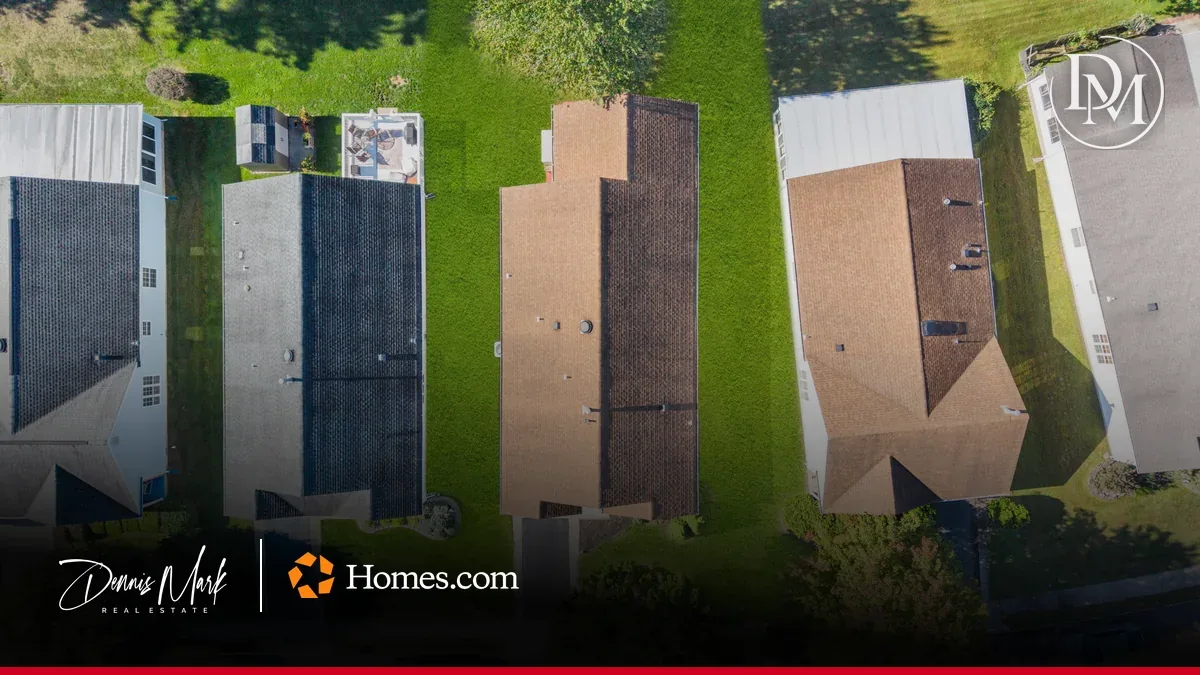
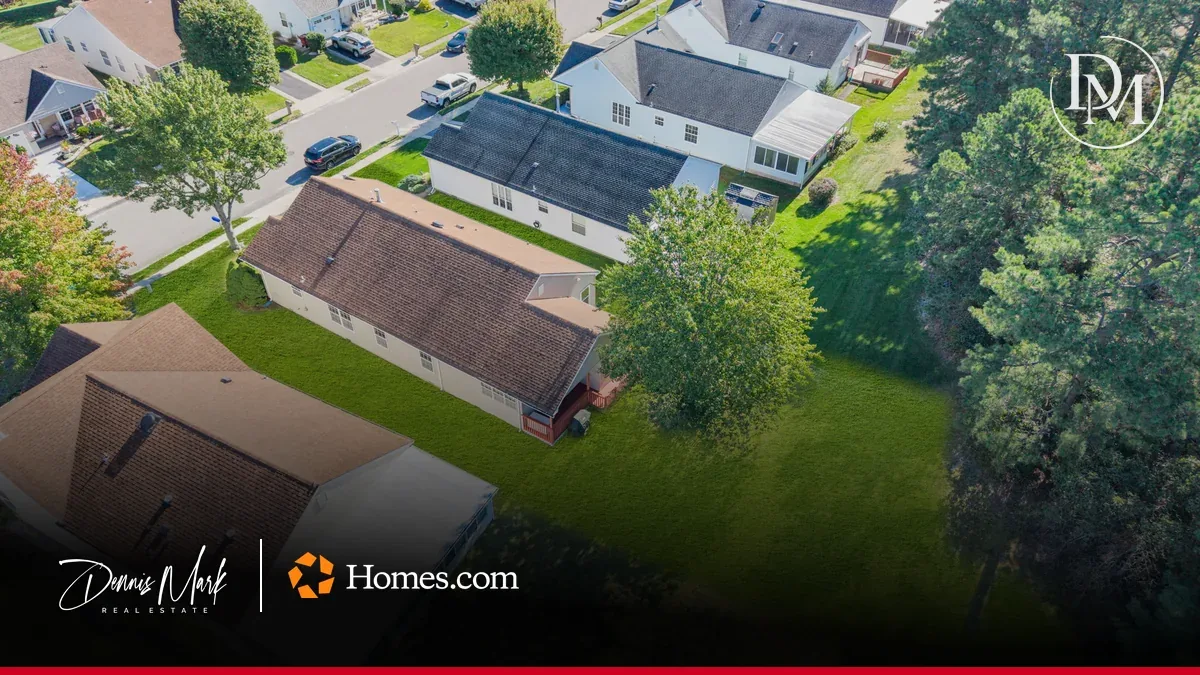
On 647 Colts Neck Rd, the tour opens on a drone view of the property before it goes inside. That's a good start for a 0.68-acre corner lot, because the buyer sees the land and the house together before they see a single room.
Matterport tours come with my Homes.com membership for every eligible listing I take. Homes.com puts their value at about $450 per property. My sellers don't pay extra for them.
Where are the floor plans on a Homes.com listing?
Floor plans show up on listing pages where a Matterport tour was shot. 647 Colts Neck Rd has both. The floor plan answers the questions photos leave open: which rooms connect, which bedrooms share a level, where the garage door leads.
That matters on a split-level like 647, with 2,972 square feet across three levels. As of October 27, 2026, on my Homes.com dashboard, 647 Colts Neck Rd had 32 floor plan views and 17 Matterport views. I wrote a whole article on what floor plans tell buyers before the first showing, so I won't repeat it all here.
Who does a buyer contact from a Homes.com listing page?
The listing agent. On every one of my listings, Homes.com shows my listing agent card: my photo, the words "Listing Agent," the Keller Williams logo, a message that's already filled in, a Send Message button and my phone number, (732) 598-2672.
Under it sits Homes.com's own line: "Only Homes.com always connects you with the Listing Agent." In the Homes.com app, that card stays under every screen of the listing, so a buyer never has to scroll back to find it.
For a seller, that means questions about your home come to the agent who knows it. I've walked every room, I know what was updated and when, and I can answer on the spot. Homes.com calls the approach "your listing, your lead." My article on who answers buyer questions on Homes.com covers how that works day to day.
What do the views, favorites and shares on a listing mean?
A Homes.com listing page carries its own view counter. On October 27, 2026, the page for 647 Colts Neck Rd showed 54,071 views. My Homes.com dashboard counted 64,109 total views for the same listing that day. Both numbers are real. The two count differently, so I always say which one I'm quoting and the date I read it.
Buyers can also save a listing as a favorite and share it. As of October 27, 2026, on my Homes.com dashboard, my listings had 123 favorites and 57 shares. A favorite is a buyer telling Homes.com they want to come back. A share is a buyer sending your home to someone else to look at. Those are the signals I watch most closely, more than raw views.
What does all of this mean for a seller?
Every piece of a listing page does one thing: it answers a buyer's next question before they have to ask it. Photos answer "do I like it?" The tour answers "what's it like to walk through?" The floor plan answers "will it work for us?" The agent card answers "who do I ask?"
A buyer who gets those answers online shows up at the showing already knowing the house. That's the buyer a seller wants.
None of it guarantees a price, a sale or a timeline. Price, condition and the first weeks on the market still decide the outcome. What a complete listing page does is make sure every buyer who finds your home sees all of it.
Where should you go next?
My Homes.com partner page shows how the photos, 3D tours, floor plans, ads and listing agent card come together for a home I list. You can see the full listing for 647 Colts Neck Rd on this website, and my Freehold Township page covers the town around it. Some of my listings also go on Zillow Showcase.
I sell homes throughout New Jersey, with Monmouth and Ocean County as home base. If you're thinking about selling, my home value page gives you a starting number for your own home.
The best listing page is the one that answers a buyer's questions before they pick up the phone.